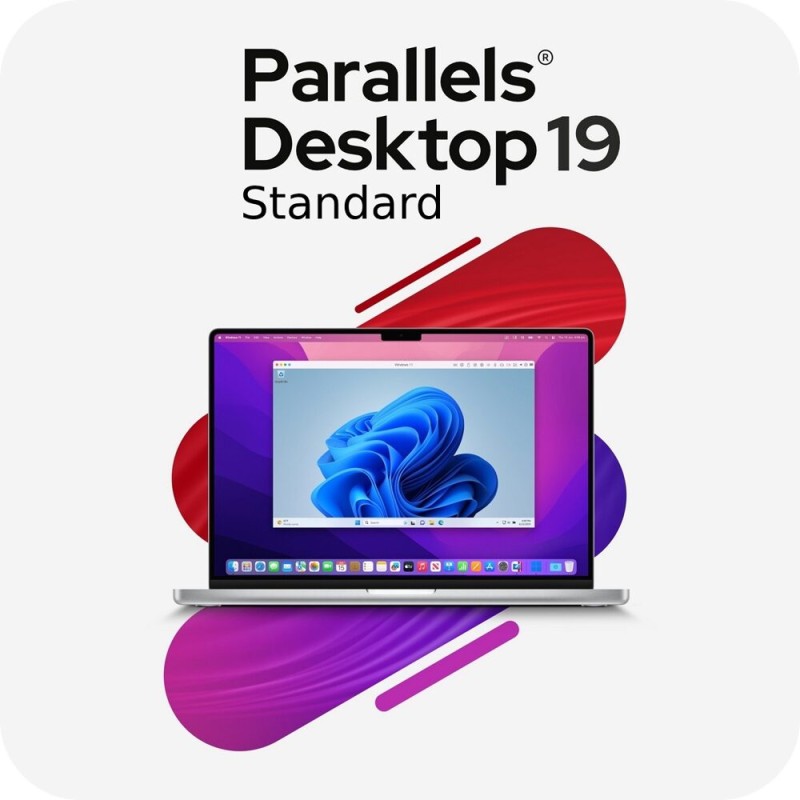
✅ Parallels Desktop 19 Standard, MacOS, 1 Device, digital license, Global
_x000D_\nParallels Desktop 19 Standard is the easiest and most reliable way to run Windows, Linux, and other operating systems on your Mac without rebooting. Licensed for 1 macOS device, this perpetual digital license provides flexibility for students, professionals, and home users who need access to cross platform apps. Delivered as a digital license with global activation, your key is sent instantly via email, allowing you to download, install, and start working immediately._x000D_\n_x000D_\nWith Parallels Desktop 19 Standard, you can launch Windows applications directly on macOS as if they were native Mac apps. Optimized for both Apple Silicon (M1/M2) and Intel based Macs, this edition ensures top performance, full support for Windows 11, and compatibility with major Linux distributions. Seamless integration lets you share files, drag and drop content, and use copy paste functionality across environments effortlessly._x000D_\n_x000D_\nThis release of Parallels Desktop introduces faster DirectX and OpenGL graphics performance, better Retina display scaling, and smoother integration with macOS Ventura and Sonoma. With Coherence Mode, you can hide the Windows interface entirely and run Windows apps right from your Mac desktop, making multitasking more intuitive. Whether you need Windows for business software, academic tools, or personal projects, Parallels Desktop 19 Standard ensures reliable performance and simplicity._x000D_\n
🔍 Overview: Why Choose Parallels Desktop 19 Standard?
_x000D_\nParallels Desktop 19 Standard is the go to virtualization software for Mac users who need access to Windows or Linux without complicated dual boot setups. It provides professional level features with a simple interface, making it ideal for both first time users and advanced professionals._x000D_\n_x000D_\n
Key Benefits:_x000D_\n
_x000D_\n - Run Windows 11, Linux, and more directly on macOS without restarting.
_x000D_\n - Optimized for Apple Silicon (M1/M2) and Intel Macs.
_x000D_\n - Seamless file sharing and application integration between OS environments.
_x000D_\n - One click installation of Windows and Linux distributions.
_x000D_\n - Perpetual license with global activation for 1 device.
_x000D_\n
_x000D_\n
💡 Main Features
_x000D_\n
_x000D_\n - Cross Platform Virtualization: Run Windows and Linux operating systems directly alongside macOS.
_x000D_\n - Apple Silicon & Intel Compatibility: Native support for ARM based M1/M2 chips and Intel processors.
_x000D_\n - Graphics Enhancements: Faster DirectX and OpenGL performance for demanding apps and games.
_x000D_\n - Coherence Mode: Integrate Windows apps into your Mac desktop seamlessly.
_x000D_\n - File & Clipboard Sharing: Drag and drop files or copy paste text across operating systems.
_x000D_\n - One Click Setup: Easy installation and setup for Windows 11 and Linux.
_x000D_\n - Customizable VM Settings: Adjust CPU, RAM, and disk resources to match performance needs.
_x000D_\n - USB & Peripheral Access: Use external drives, printers, and other hardware inside virtual machines.
_x000D_\n - High Resolution Support: Optimized scaling for Retina and high DPI displays.
_x000D_\n - Future Ready: Compatible with the latest macOS and Windows updates.
_x000D_\n
_x000D_\n
⚙️ System Compatibility
_x000D_\n
Supported Platforms:_x000D_\n
_x000D_\n - macOS Ventura, Sonoma, and earlier supported versions.
_x000D_\n - Supports Apple Silicon (M1/M2) and Intel based Macs.
_x000D_\n - Compatible with Windows 11, Linux distributions, and other guest OS options.
_x000D_\n - 1 device coverage per license.
_x000D_\n
_x000D_\n
💾 How to Install and Activate Parallels Desktop 19 Standard
_x000D_\n
_x000D_\n - Purchase your Parallels Desktop 19 Standard digital license (1 device).
_x000D_\n - Receive your activation key instantly via email.
_x000D_\n - Download the installer for macOS from the official Parallels website.
_x000D_\n - Run the installer and follow the guided setup process.
_x000D_\n - Enter your license key when prompted to activate globally.
_x000D_\n - Install Windows, Linux, or another OS and start running it on your Mac immediately.
_x000D_\n
_x000D_\n
🔑 License Information
_x000D_\n
_x000D_\n - Type: Digital License
_x000D_\n - Activation: Global
_x000D_\n - Duration: Perpetual (lifetime license for this version)
_x000D_\n - Devices: 1 Device
_x000D_\n - Platforms: macOS (runs Windows/Linux VMs)
_x000D_\n - Delivery: Instant via email
_x000D_\n
_x000D_\n
📈 SEO Keywords
_x000D_\nParallels Desktop 19 Standard Mac digital license_x000D_\n_x000D_\nBuy Parallels Desktop 19 Standard software key_x000D_\n_x000D_\nDownload Parallels Desktop 19 Standard for macOS_x000D_\n_x000D_\nActivate Parallels Desktop 19 Standard globally_x000D_\n_x000D_\nBest virtualization software for Mac Parallels Desktop 19_x000D_\n_x000D_\nRun Windows apps on Mac with Parallels Desktop 19_x000D_\n_x000D_\nParallels Desktop 19 Standard Apple Silicon support_x000D_\n_x000D_\nParallels Desktop 19 Standard perpetual license


 Products marked ⚡Instant delivery via email
